Community Discovery
See which domains the Neptune community visits most — aggregated rankings only, never full URLs.
Browse on your phone with bookmarks, downloads, privacy tools and community discovery. On Fire TV, navigate full-screen with D-pad or cursor — optionally pair with the Android app.
Fire TV coming soon on Amazon Appstore — currently in review.
Everyday browsing, privacy and community on your phone — full-screen browsing on Fire TV.
See which domains the Neptune community visits most — aggregated rankings only, never full URLs.
Manage bookmarks and downloads from a modern, unified phone experience.
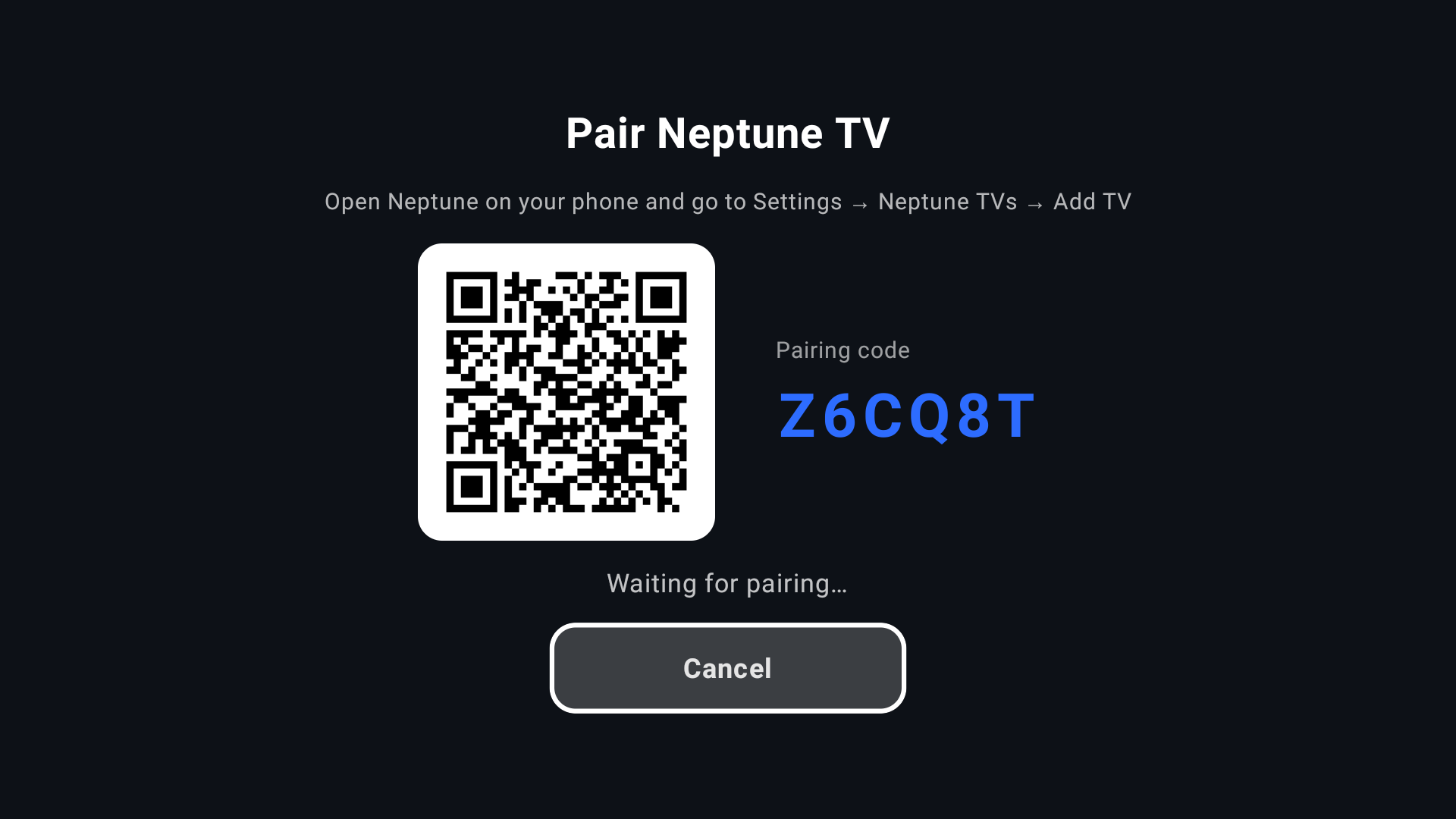
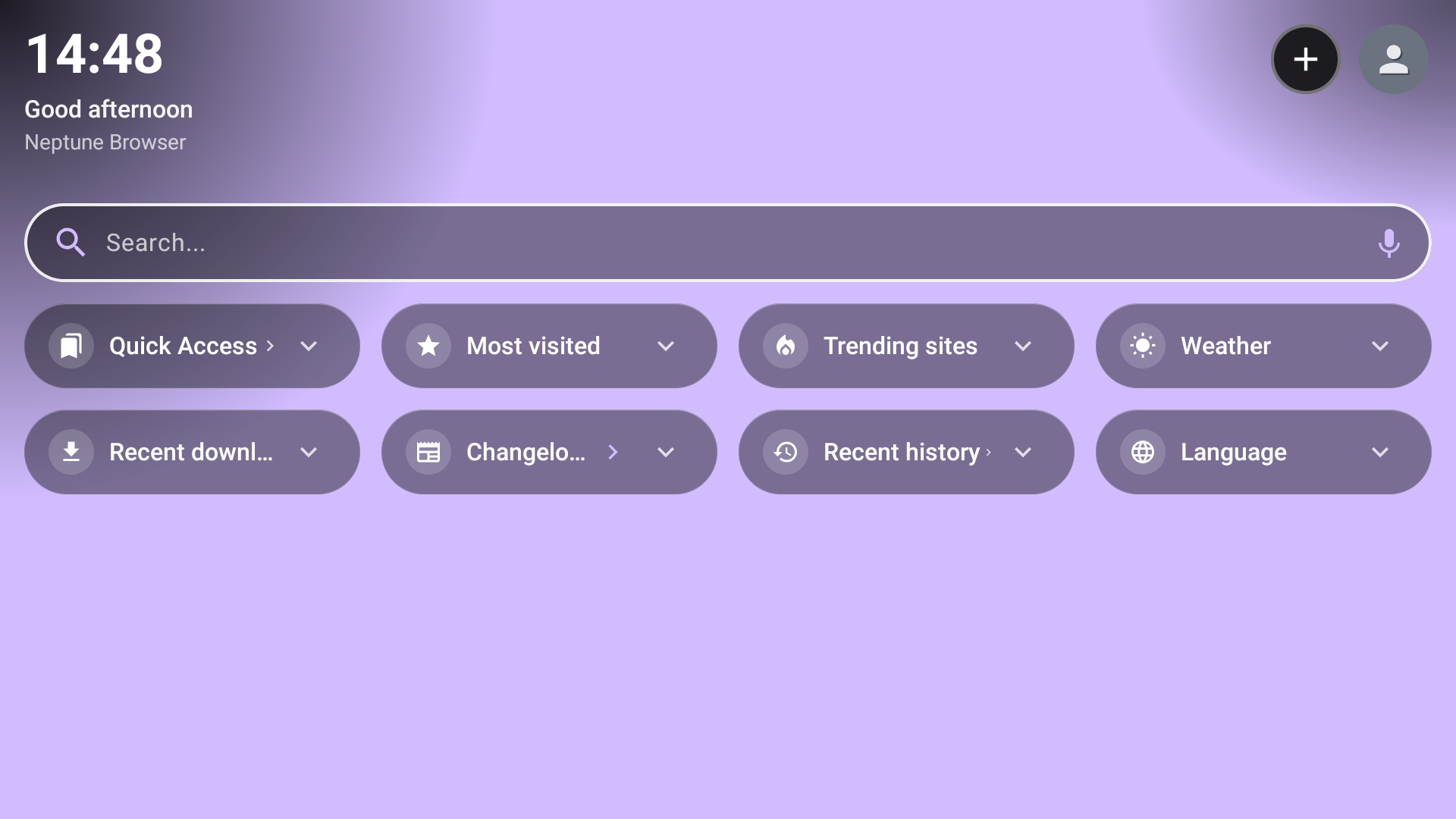
Full-screen browser on Fire TV. Use as a guest without a phone, or pair optionally via QR. D-pad and cursor (Menu key). No ads and no in-app purchases on TV.
Private DNS, content blocking and incognito browsing on your phone.
Unlock Premium on Google Play for the phone app. Ads apply on phone only — not on Fire TV.
Fire TV screenshots — full-screen browsing on the big screen. Phone screenshots coming soon.
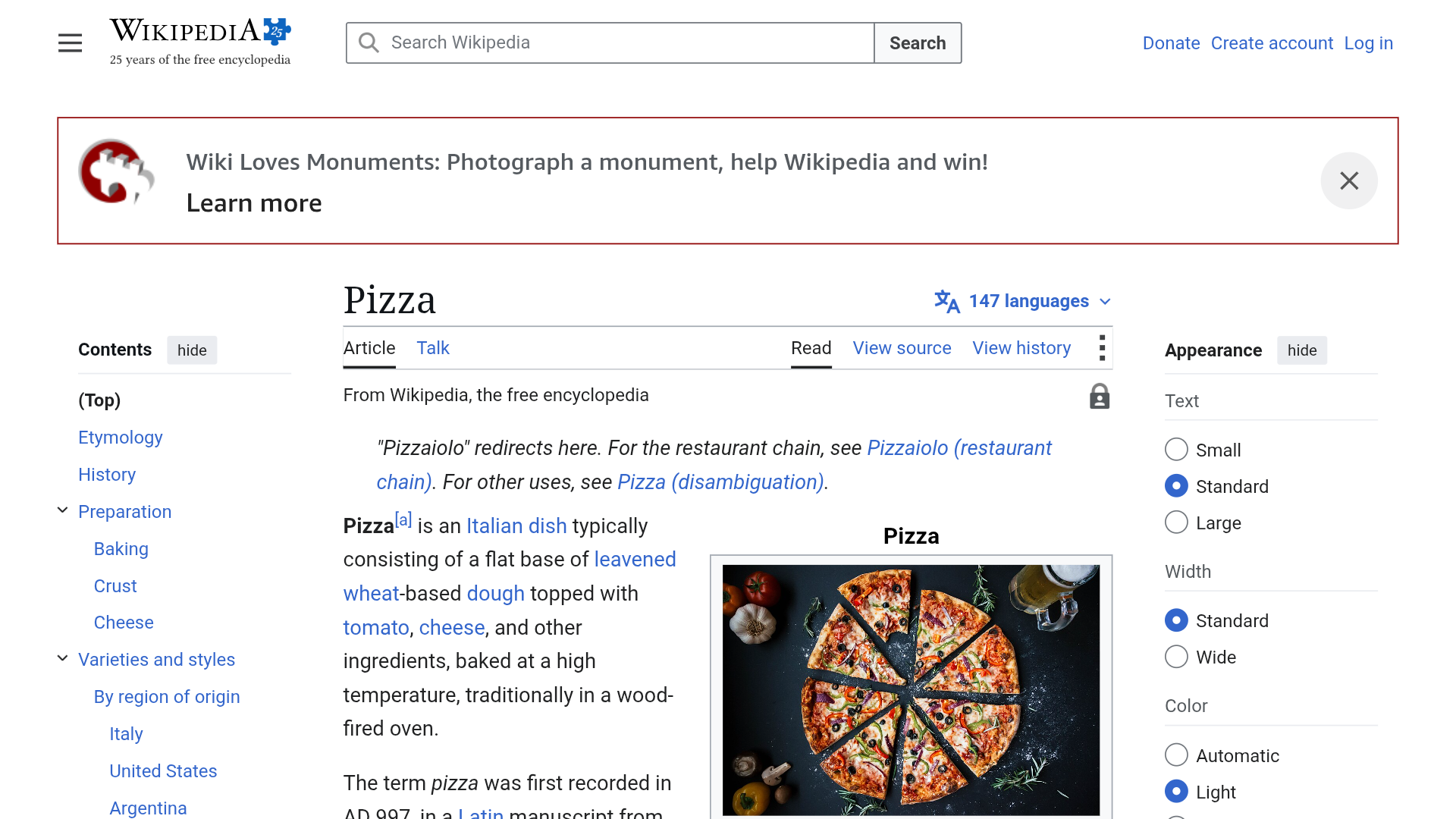
Rankings use aggregated domain-level data only (for example wikipedia.org) — never full URLs, searches or personal history.